In-Class Activity 7: Django Forms:
Objective: Create a form and add pages that allow users to enter their own data.
Description: Build a Django form that handles GET and POST requests that allow users to add new topics which will save to the database.
- Make a copy of your Activity6 folder and name the folder Activity7-DjangoForms. After the activity is completed, take two screenshots matching the solution images below and submit it to the first quiz question on Canvas.
- Navigate to the directory that contains manage.py and open the folder in VS code.
- Create your first form in the file forms.py. Save this new file in the same directory as models.py.
- Append the urls.py file (code_journals/urls.py) to add an additional URL pattern for the new_topic page. This pattern should send requests to the view function
new_topic(). - Define a new view function,
new_topic(), to handle GET and POST requests in the views.py file. In the file, make sure to import:- i. HttpResponseRedirect
- ii. reverse
- iii. The
TopicFormmodel
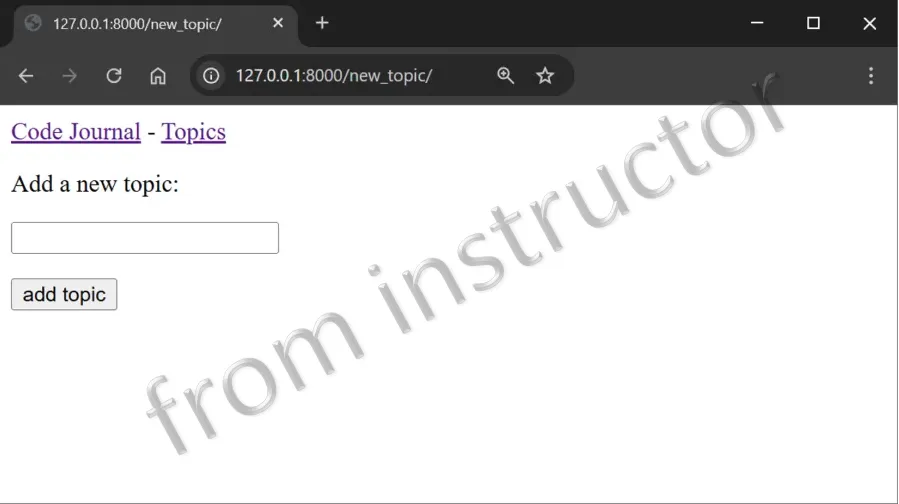
- Create a new template called new_topic.html to display the form. Ensure that the template extends base.html.
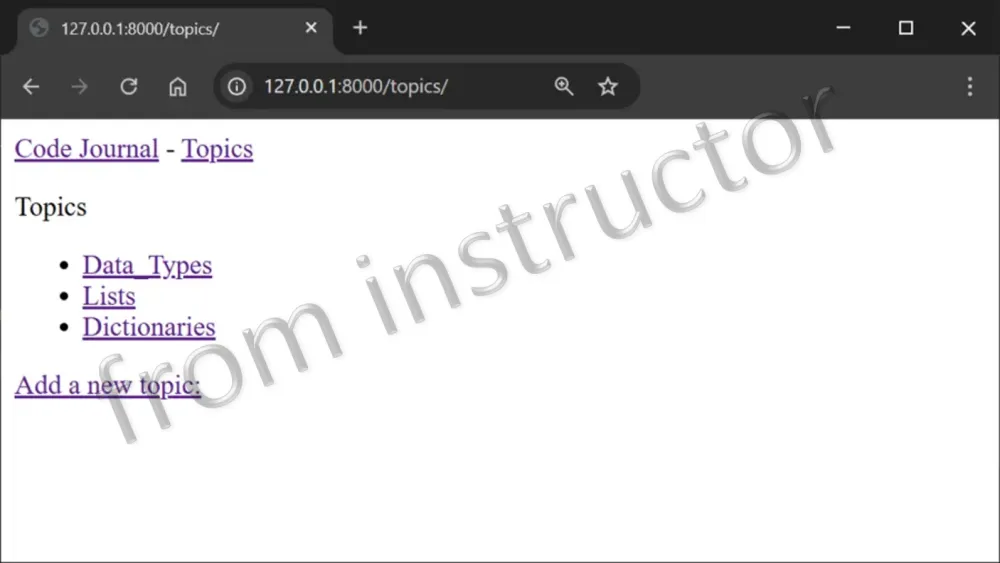
- Finally, append the topics template (topics.html) to link the new_topic page on the topics page.
- The first screen capture below shows the resulting form. Use the form to add an additional topic called, Dictionaries. Once the topic is added, you should have the following list of topics, displayed below in the second screen capture.
new_topic template:
topics template: