Create and Run a Dash App:
Create the app.py File:
- Create a file and name it app.py, and write the following code.
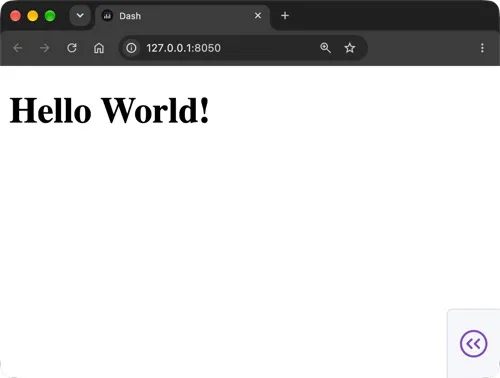
- These components appear in the order they are defined in the code, and they are nested according to how they are defined. - For example, in the code snippet below, the H1 element is a child of the Div element, and the Div element is a child of the app layout. The H1 element will be rendered inside the Div element on the page.
app.py
python
1import dash
2from dash import html
3
4app = dash.Dash(__name__)
5
6app.layout = html.Div([
7    html.H1('Hello World!')
8    ])
9
10if __name__ == '__main__':
11    app.run(debug=True)
Run the Dash Application:
- In the terminal window, in the same folder where you saved your app file, run the following:
python app.py
View the output:
- The output indicates that Dash is running on http://127.0.0.1:8050 and that debug mode is on.