Skip to content
- Server named correctly
- Server placed in correct folder
- Sever configured with the correct IP address
- Server has VMware tools installed and running
- DNS Server role installed
- DNS Zone named correctly
- A record for mysql
- A record for web
- Client VM able to resolve addresses from DNS Server
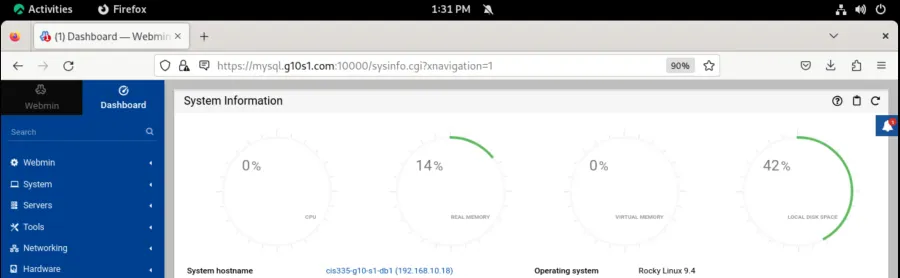
- Submit a screenshot, similar to the below, of the web page showing that it is responding to the new DNS Entry: