Skip to content
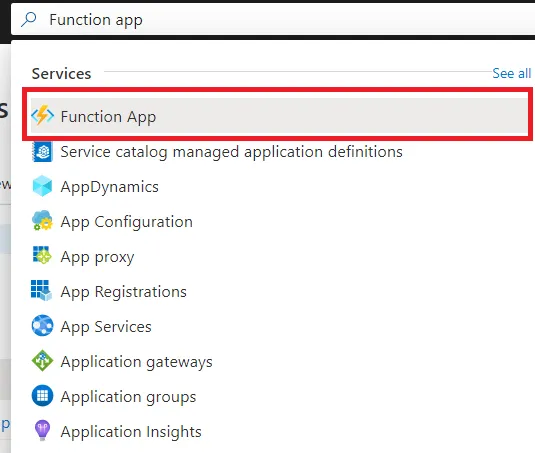
- From the Azure portal, portal.azure.com, search for Function App in the global search bar.
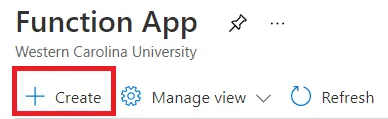
- Open the Create Function App blade by clicking the + Create tab.
- When prompted to Select a hosting option, choose Flex Consumption.
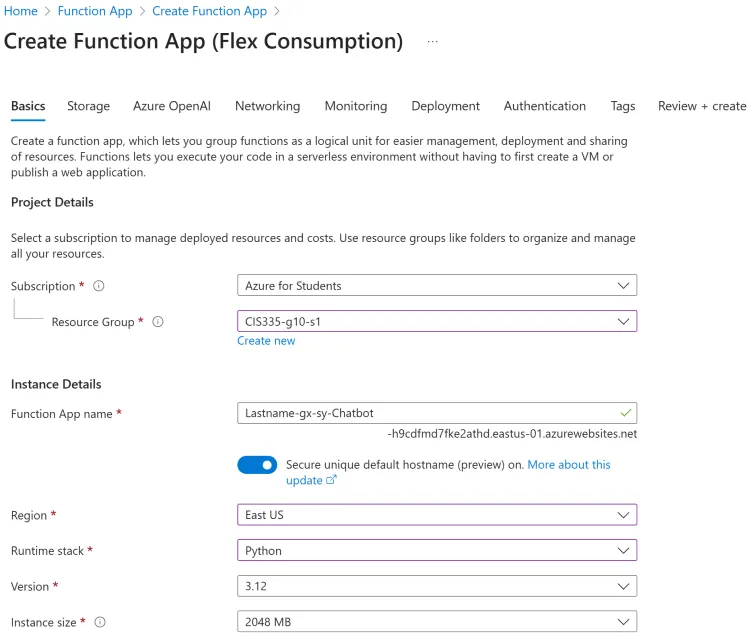
- Below on the Basics page, name the Function App: Lastname-gx-sy-Chatbot (Where x is your group # and y is your student #):
- Select the Storage tab and ensure a new storage account is populated.
- Finally, click the Review + create tab. Then click the Create button.