Lab Activity 11:

Objective: Create and deploy a serverless Azure Function using Microsoft Azure. The Azure function should return an HTTP response displaying your computer’s public IP address by simply pasting the Function URL in a web browser.


  • At the end of this assignment you should:
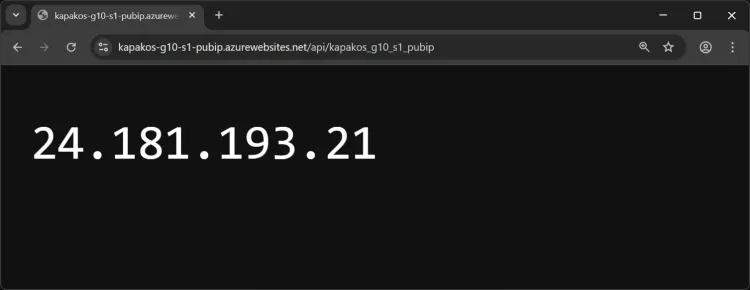
    • Produce two outputs that are similar to the below screengrabs, but with your own information. Upload each screengrab to Canvas.
  1. The first screengrab should display you computer’s Public IP address, with the Azure Function URL included in the web browser.

Browser showing Azure Function response displaying the computer's public IP address with the Function URL in the address bar

  1. The second screengrab should display the Overview blade within the Azure portal of the Function App. Please make sure the screengrab displays the Azure Resource Group name, Subscription, and the Function URL as illustrated below.
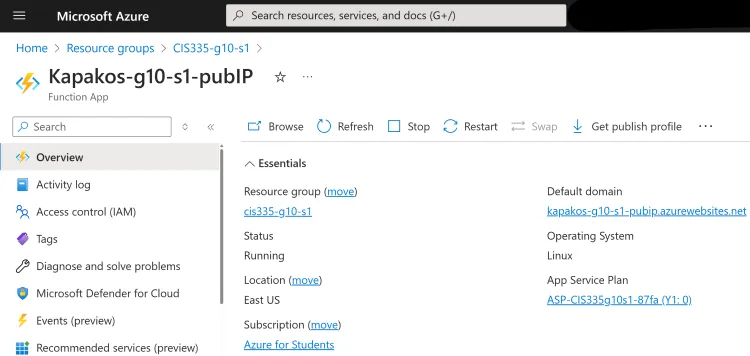
Azure portal Function App Overview blade showing resource group name, subscription, and Function URL