Ex 3.1 Reading CSV files:
Objective: Learn how to use pandas to read CSV files into pandas Dataframes.
- Download the Ex3.1_Reading_CSV_Files.ipynb file.
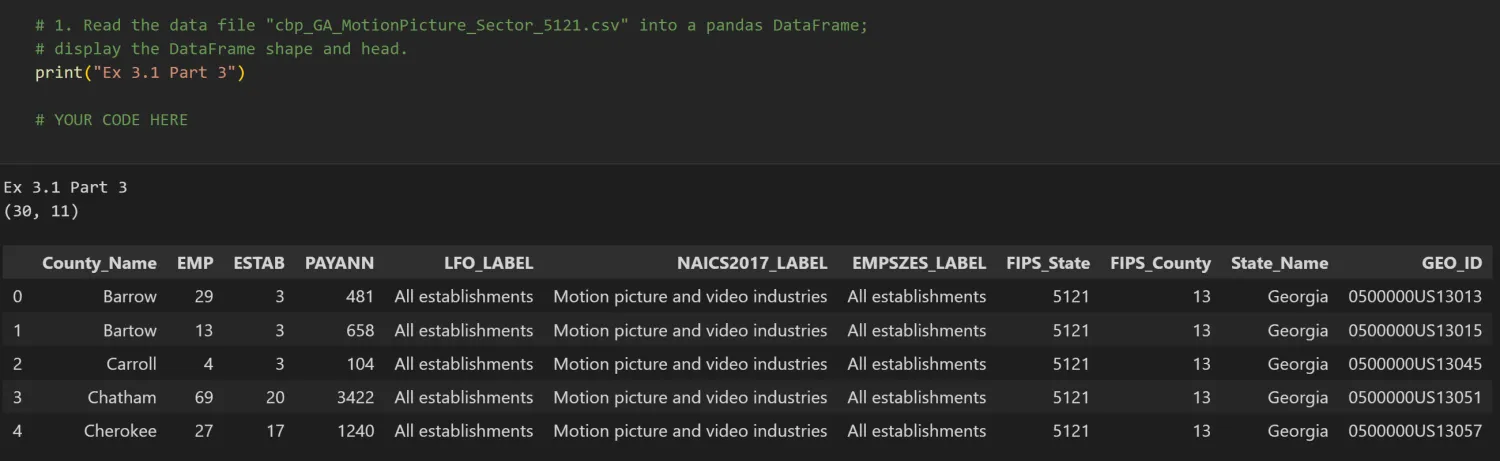
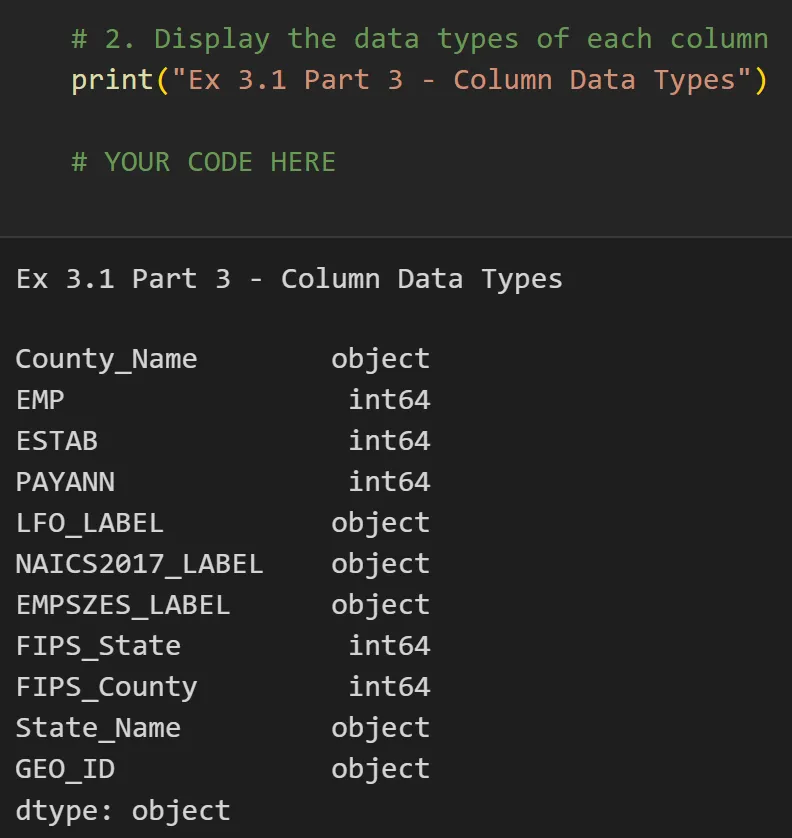
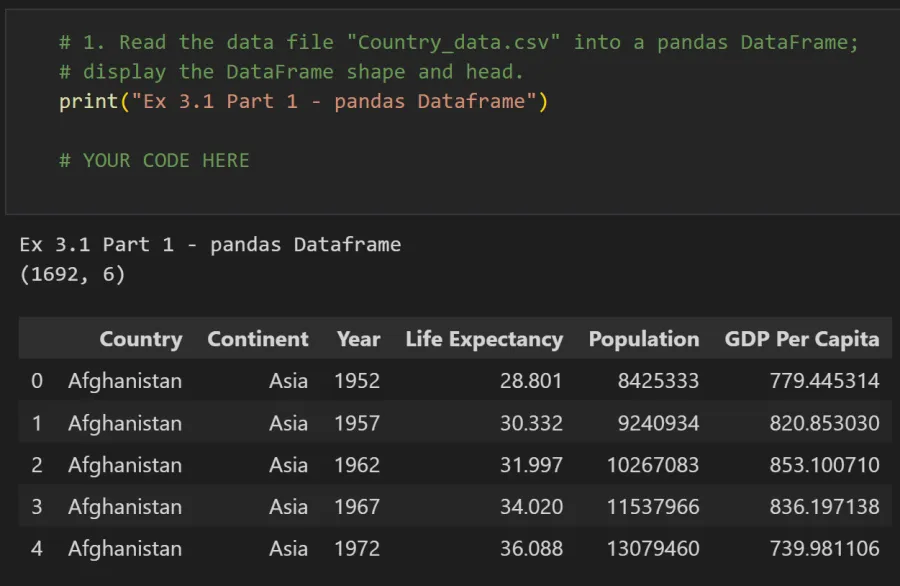
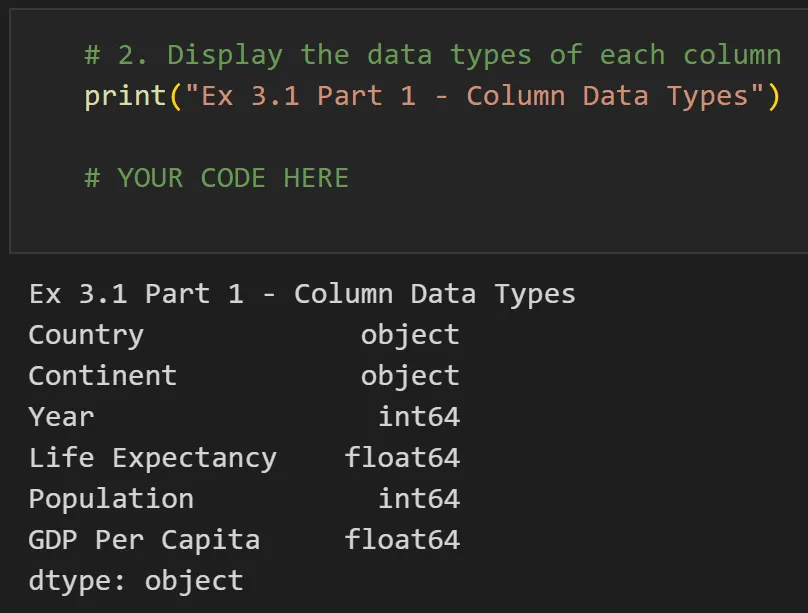
- Work through parts 1 through 3 and submit your completed Jupyter Notebook (.ipynb) file to the first quiz question on Canvas. Your notebook should include both your code and the corresponding output that match the screengrabs provided below. Be sure to run all cells so that every output appears in the notebook.
Part 1:
- You should have 1,692 rows and 6 columns in your dataframe. The first rows of you dataframe should look like:
Part 2:
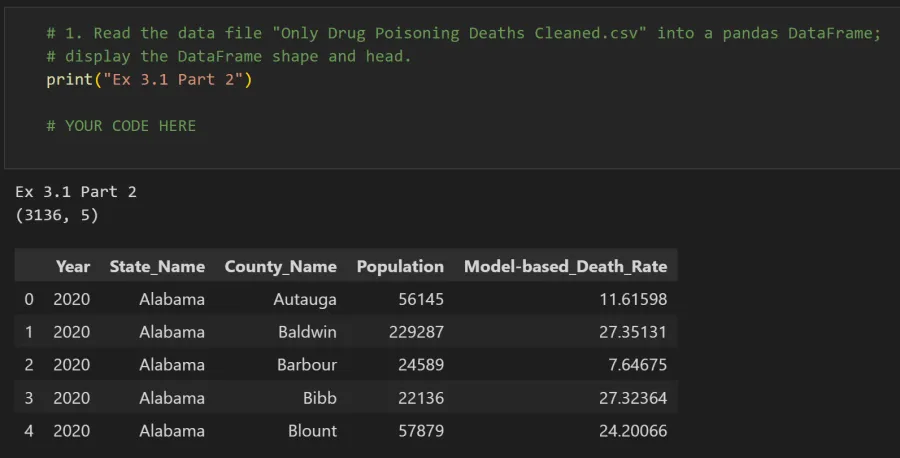
- You should have 3,136 rows and 5 columns in your dataframe. The first rows of you dataframe should look like:
Part 3:
- You should have 30 rows and 11 columns in your dataframe. The first rows of you dataframe should look like: